6D pose estimation from synthetic-only data
Keypoint heatmaps, PnP and one normalisation swap. A Rubik's cube and a Robotiq gripper, trained only on Blender renders.
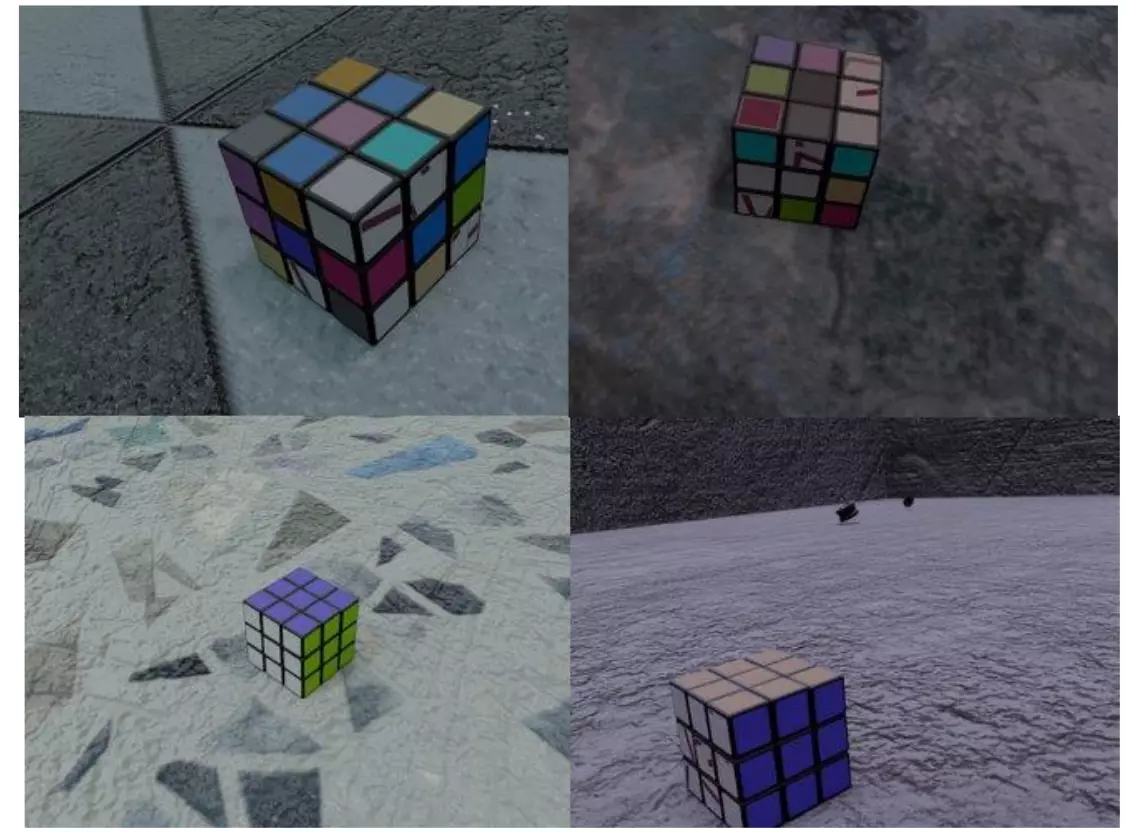
I’ve been experimenting with 6D pose estimation using only synthetic RGB data rendered in Blender. This post documents the approach and a few tricks that helped reduce the sim2real gap.
Problem setup
Given a single RGB image and known camera intrinsics, estimate the 6D pose (3D rotation + 3D translation) of a known object.
Constraints I set myself:
- No real images for training. Only synthetic Blender renderings.
- RGB only. No depth.
I generated about 20K synthetic images in about 4 hours on two GeForce GTX 1080 Ti GPUs.
Pipeline
The pipeline is fairly standard, with a few key design choices:
- 1Keypoint prediction
The network predicts a 2D heatmap for each predefined 3D keypoint on the CAD model.
- 2Keypoint extraction
The peak (argmax) of each heatmap is the 2D location of that keypoint.
- 3PnP
2D keypoints + 3D model keypoints + intrinsics go into PnP, which recovers the full 6D pose.
The network never predicts rotation or translation directly. It predicts 2D keypoints, and PnP does the geometric heavy lifting.
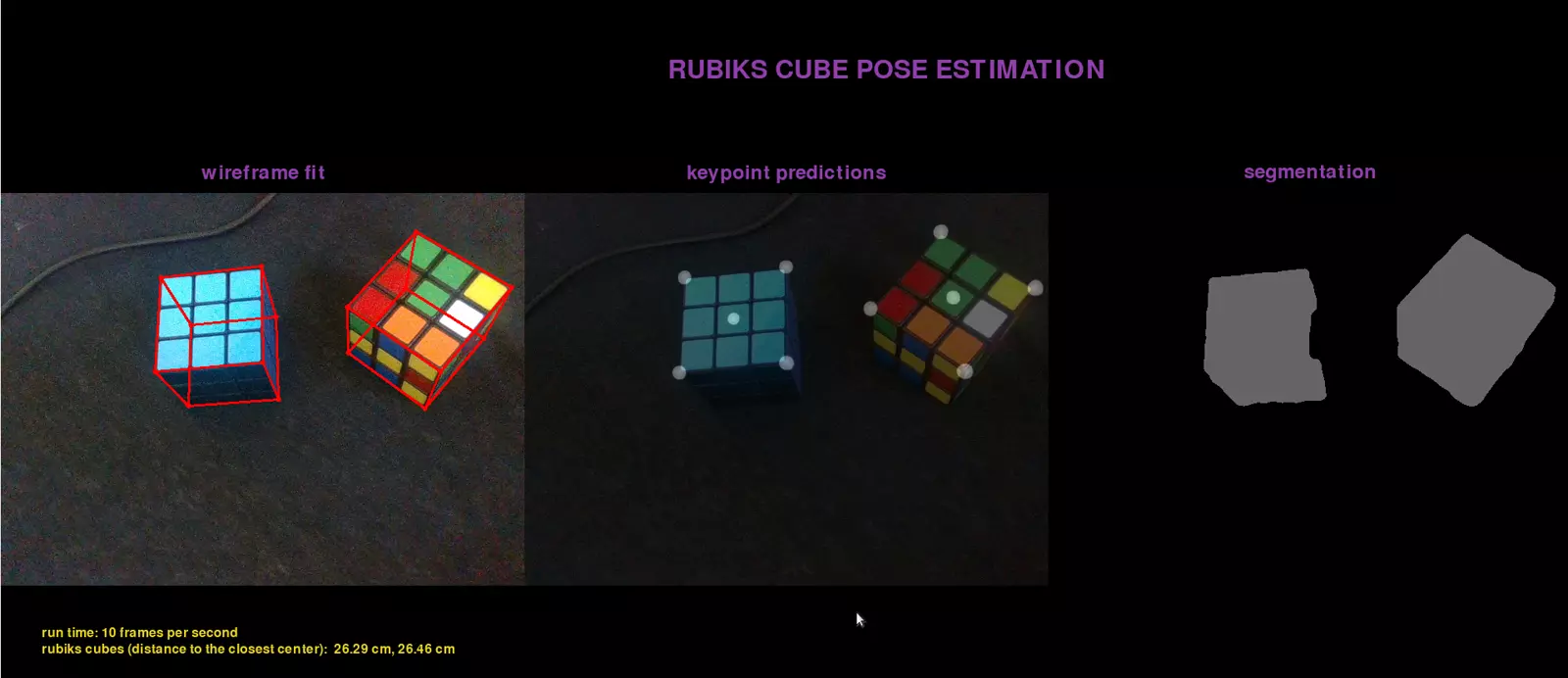
The model is a custom U-Net–style network with a ResNet encoder: the encoder extracts robust features from the RGB image, the decoder upsamples with skip connections back to high-resolution heatmaps, one per keypoint. That works well for dense, spatially accurate outputs like these.
Reducing the sim2real gap: GroupNorm over BatchNorm
Training purely on synthetic data can easily give a model that remembers synthetic statistics and struggles on real images. One concrete change helped.
BatchNorm stores a running mean and variance during training and uses them at inference. When the training distribution (synthetic) differs from the test distribution (real), those stored statistics hurt. GroupNorm doesn’t depend on batch-level running statistics; it normalises per sample, across groups of channels.
Swapping BatchNorm for GroupNorm made the network less tied to synthetic image statistics.
The model behaves more consistently between training and inference.
Speeding up inference
After training in FP32 PyTorch, I exported to ONNX, imported into TensorRT and quantised (FP16 / INT8, depending on calibration and hardware). Result: about 4× faster inference than the original FP32 PyTorch model. That makes it practical for robotics or AR, where latency matters.
Extension: Robotiq gripper pose
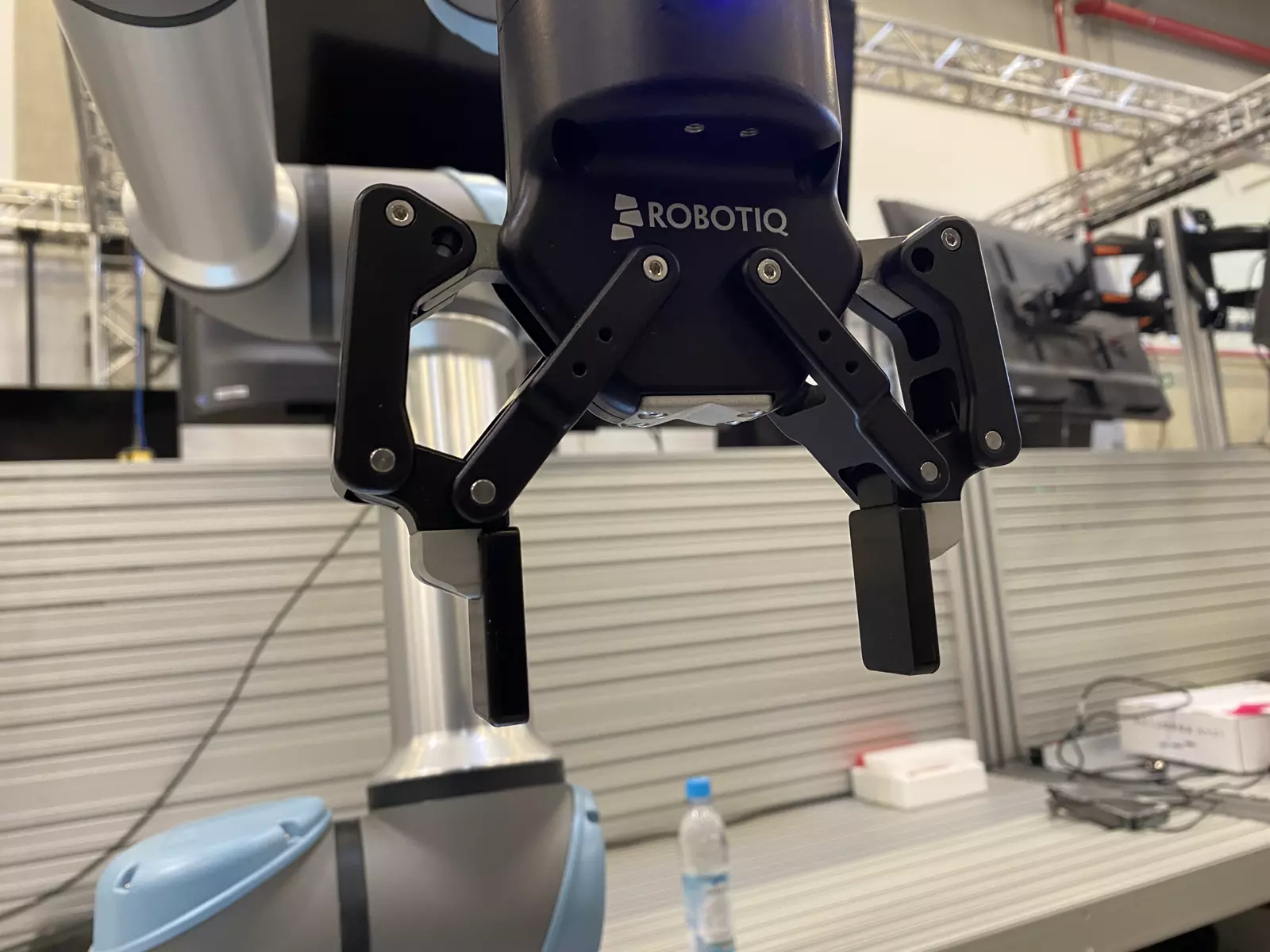
I extended the same keypoint + PnP pipeline to a Robotiq gripper. Tracking the gripper pose precisely in the camera frame enables accurate eye-to-hand camera calibration.
What came after
The cube went through three generations before this one stuck:
- Classical RGB-D: plane fit, clustering and ICP. Worked on a clean table, fragile elsewhere.
- Direct regression of centre, depth and rotation. Quaternions didn’t train; Euler angles did better. The real problem is symmetry: a cube has 24 rotations that look identical, so the targets are multi-valued. I canonicalised them into one unique label, but keypoints still won, because they are local and degrade gracefully.
- Keypoints + PnP, this post, later with face-centre and corner heatmaps, a robust corner-subset search with a 3-point fallback, and auto-zoom inference so the cube fills a fixed share of the frame.
Then I broke the synthetic-only rule on purpose: run the model on real recordings, keep poses that stay stable within 5 mm over 5 frames, confirm with one key press (good or bad), and fine-tune on those real frames mixed with fresh synthetic ones.
The same recipe also covered a flat aluminium part: identical corners merged into one heatmap channel, a minimal P3P on the three distinctive keypoints, verified with the rest. One network served the part and the cube together in a live demo.
Limitation: keypoint visibility
The object needs at least 3–4 visible, unique keypoints. If too many are occluded or look ambiguous, PnP becomes unstable or fails and the pose gets noisy or completely wrong. So this works best when the object has clear geometric or visual features, and the expected viewpoints don’t consistently hide most of them.